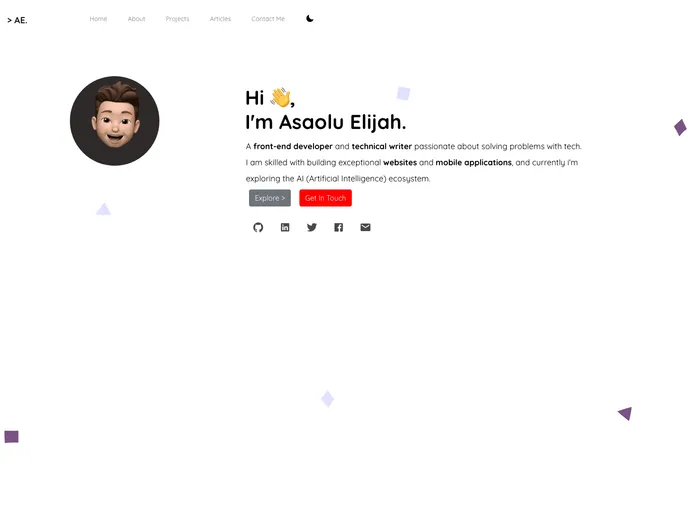
My personal website (portfolio) built with Nuxt.js.
The Personal Portfolio is a website template designed for individuals to showcase their work and skills. It is created using technologies such as NuxtJs, Bootstrap-vue, Vue-ionicons, and Animate.css. The template aims to provide a visually appealing and user-friendly experience for visitors.
To install the Personal Portfolio template, follow these steps:
git clone <repository URL>
cd personal-portfolio
npm install
npm run dev
http://localhost:3000 to see the template in action.For more detailed explanation on how things work, refer to the Nuxt.js documentation.
The Personal Portfolio template is a visually appealing and user-friendly website template designed for individuals to showcase their work and skills. It utilizes technologies such as NuxtJs, Bootstrap-vue, Vue-ionicons, and Animate.css to create a responsive and interactive experience. By utilizing this template, individuals can effectively showcase their portfolio, highlight their skills, and provide their contact information to potential clients or employers.

