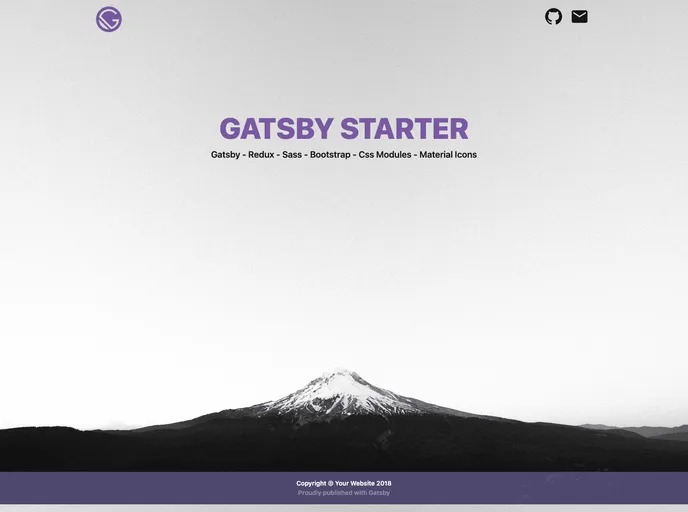
A simple GatsbyJS starter that provides multiple technologies out of the box, like Redux, Sass and Bootstrap.
If you’re diving into web development, particularly with React, the Gatsby Starter is a fantastic way to kickstart your project. This starter template comes pre-packed with essential technologies like Redux, Sass, and Bootstrap, streamlining your development process. Whether you’re building a simple website or a complex web application, Gatsby provides a solid architecture designed for performance and scalability.
Setting up a new site is incredibly straightforward with the Gatsby CLI, allowing developers to focus on crafting unique experiences without getting bogged down by initial configuration. The included features and structured directories make it easy to organize your codebase, ensuring a smooth development journey.
Multiple Technologies Included: Out of the box, you gain access to Redux for state management, Sass for CSS preprocessing, and Bootstrap for responsive design.
Gatsby CLI: Easily create new sites by utilizing the intuitive command-line interface, which simplifies launching Gatsby projects.
Real-time Editing: Open your project in any code editor; as you make changes to your source code, your site will refresh automatically, providing immediate visual feedback.
Clear Directory Structure: The organized file layout, such as the /src directory for front-end code and /node_modules for dependencies, facilitates easier navigation and maintenance.
Configuration Files: Essential files like gatsby-config.js and gatsby-node.js allow customization of your site’s metadata and build process, giving you significant control over your project.
Development Tools: Access to tools like GraphQL for data querying directly from your local setup, empowering you to optimize your data management efficiently.
Version Control Ready: A .gitignore file is included to manage which files should be tracked, keeping your version history clean.
Package Management: With package.json and yarn.lock included, managing your project’s dependencies is simplified, letting you maintain consistent environments across development and production.

