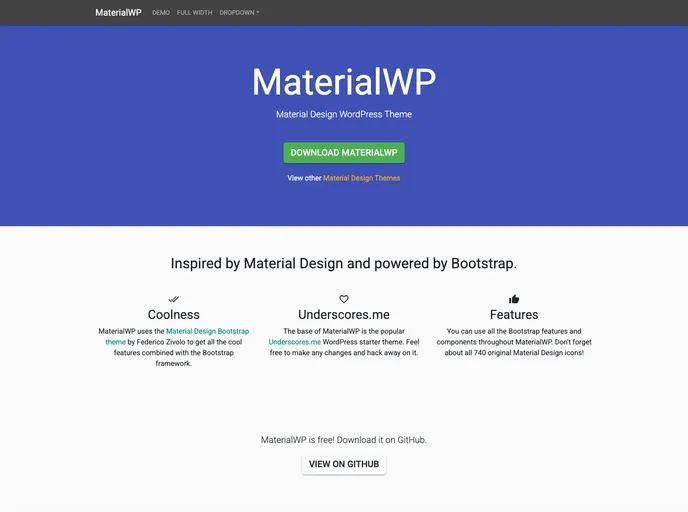
Material Design WordPress Theme
MaterialWP is a starter Material Design WordPress Theme based on the Bootstrap framework. It offers a clean and modern design that follows the principles of Material Design. The theme was started in 2014 by Brad Williams and has since been continuously updated and improved by a team of contributors. MaterialWP allows for easy customization through the WordPress Customizer and also provides options for more advanced customization through the use of child themes.
MaterialWP is a Material Design WordPress Theme that provides a modern and clean design for WordPress websites. It is based on the Bootstrap framework and offers easy customization options through the WordPress Customizer and child theme support for more advanced customizations. The theme is continuously updated and improved by a team of contributors, ensuring that it stays up-to-date with the latest design trends and WordPress standards. Overall, MaterialWP is a great choice for anyone looking for a Material Design inspired theme for their WordPress website.