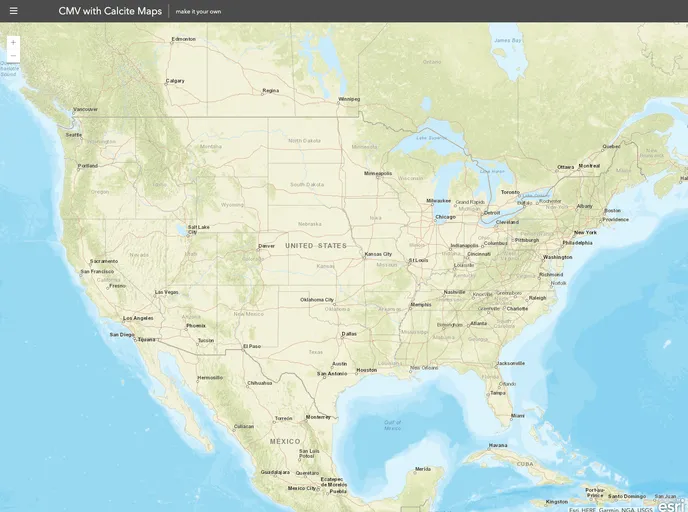
Using CMV with Esri's Calcite Maps
The cmv-calcite-maps repository combines CMV (Configurable Map Viewer) with Esri’s Calcite Maps, a theme for Bootstrap for designing and styling modern map apps. The repository provides documentation on the Calcite Maps CSS and JavaScript files. This integration allows users to easily create and customize map applications using CMV and take advantage of the responsive design provided by the Bootstrap framework.
To use Calcite Maps in your CMV application, follow these steps:
_CalciteMixin.js file to your app.js file.cmv-calcite.css file for styling purposes.The cmv-calcite-maps repository combines the functionality of CMV with the design and styling capabilities of Esri’s Calcite Maps theme. By integrating Calcite Maps into a CMV application, users can easily create modern and responsive map apps. Most CMV core widgets work seamlessly with Calcite Maps, and customizations can be made within the HTML page. The included CSS file further simplifies the styling process. With the responsive design provided by the Bootstrap framework, users can create map applications that adapt to different screen sizes. The repository is licensed under the MIT License.

