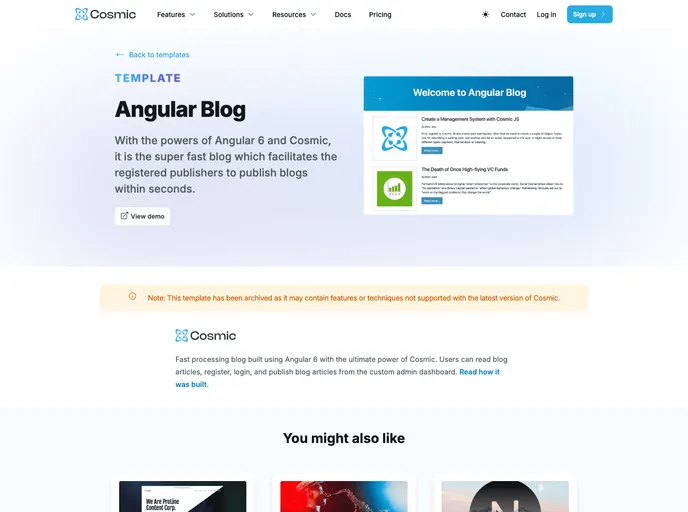
Angular Blog screenshot

Angular Blog

Author Avatar Theme by Cosmicjs
Updated: 16 Oct 2020
22 Stars

A Blog built using Angular and the Cosmic headless CMS

Categories

Overview:

The Angular Blog is a project generated with Angular CLI and Cosmic JS. It provides a blog template built using Angular that can be used as a starting point for developing a blog application.

Features:

  • Angular CLI: The project is generated with Angular CLI, which provides a command line interface for creating and managing Angular projects.
  • Cosmic JS: The project is integrated with Cosmic JS, a headless content management system. This allows users to easily manage and publish their blog content.
  • Responsive Design: The blog template is designed to be responsive, ensuring that it looks and functions well on a variety of devices and screen sizes.

Installation:

To install and run the Angular Blog, follow these steps:

  1. Clone the project repository from GitHub.
  2. Navigate to the project directory in the terminal.
  3. Run the following command to install the project dependencies:
npm install
  1. Start the development server by running the following command:
ng serve
  1. Open a web browser and navigate to http://localhost:4200/ to access the blog.

Summary:

The Angular Blog is a pre-built blog template generated with Angular CLI and integrated with Cosmic JS. It provides a starting point for developing a blog application with features such as Angular CLI integration, Cosmic JS content management, and responsive design. The installation process involves cloning the project repository, installing dependencies, and running the development server.