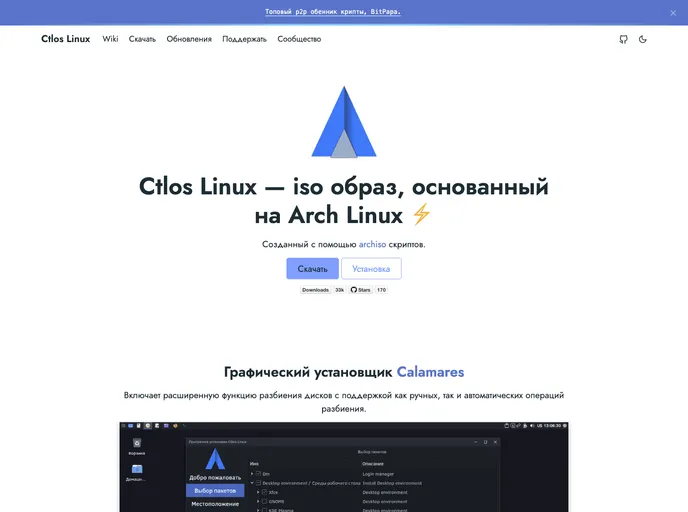
Ctlos Linux Web
Doks is a modern documentation theme that is designed to be user-friendly and customizable. It centralizes dependency management using npm, making it easy to update resources, build tooling, plugins, and build scripts. This theme is built with Hugo, a popular static site generator.
To get started with Doks, follow these steps:
Download and install Node.js from the official website, as it includes npm, which is necessary for managing dependencies.
Create a new Doks project by choosing between the Doks child theme and the Doks starter theme.
Install the necessary dependencies by running the command npm install in your project directory. This will fetch all the required resources and tools.
Start the development server by running the command npm run serve. This will launch a local development environment where you can view and interact with your Doks documentation.
Additional commands are available for common tasks, which can be found in the documentation provided by Doks.
Doks is a versatile documentation theme that offers a user-friendly interface and customization options. With its dependency management using npm, it simplifies the process of updating resources and adding features to the theme. By choosing between the Doks child theme and the Doks starter theme, users have the flexibility to optimize their documentation project according to their needs.

