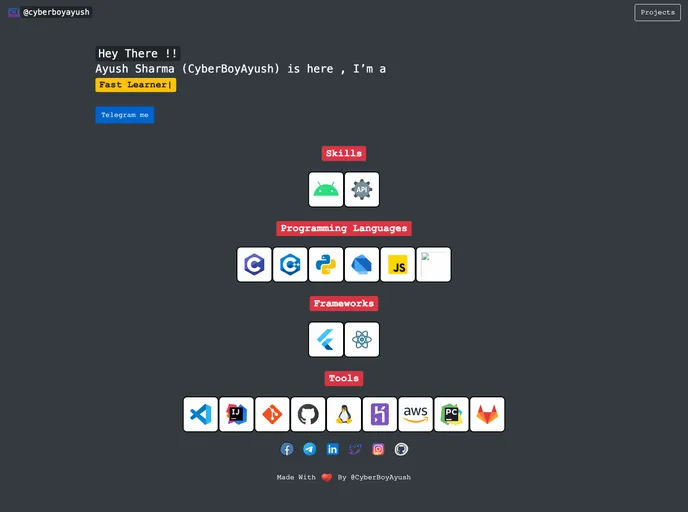
Portfolio made with node js single page with projects page. (Easy to deploy)
JS-Portfolio is a simple and minimalistic single-page portfolio template built with node.js. It offers an easy deployment process and comes with a clean and attractive design. The template allows users to create their own portfolio website quickly and efficiently.
To install JS-Portfolio, follow these steps:
Clone the repository:
git clone https://github.com/CyberBoyAyush/JS-Portfolio.git
Install NPM dependencies:
npm install
Run the portfolio in localhost:
npm run dev
Make necessary edits:
config.js file and replace the username with your own username. This will automatically fetch your data.Push edited code to GitHub:
your_repo with your GitHub repository link.branch_name with your origin branch name (default is master).JS-Portfolio is a user-friendly and easily customizable single-page portfolio template built with node.js. It provides an attractive design and simplifies the deployment process. Users can edit the template to showcase their work and easily publish their portfolio online. With 24x7 uptime and support available, JS-Portfolio is an excellent option for individuals looking to create their own portfolio website.

