Material Design for Bootstrap 4
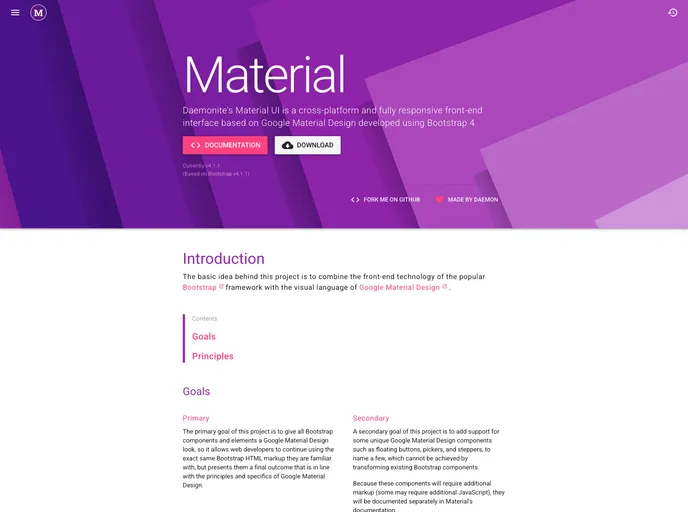
Daemonite’s Material UI is a cross-platform and fully responsive front-end interface based on Google Material Design, developed using Bootstrap 4. The project aims to combine Bootstrap’s front-end technology with Google Material Design’s visual language to offer web developers a familiar HTML markup with a Material Design look.
To install Daemonite’s Material UI, follow these steps:
bundle install.npm install.npm run dist and npm run docs.npm run docs-serve and access http://localhost:9999/material in your browser.Daemonite’s Material UI project offers a blend of Bootstrap’s frontend technology with Google Material Design’s visual language, providing web developers with a familiar HTML markup appearance in line with Material Design principles. The integration of specialized Material Design components enhances the overall user interface experience, making it a versatile and responsive choice for cross-platform development.

