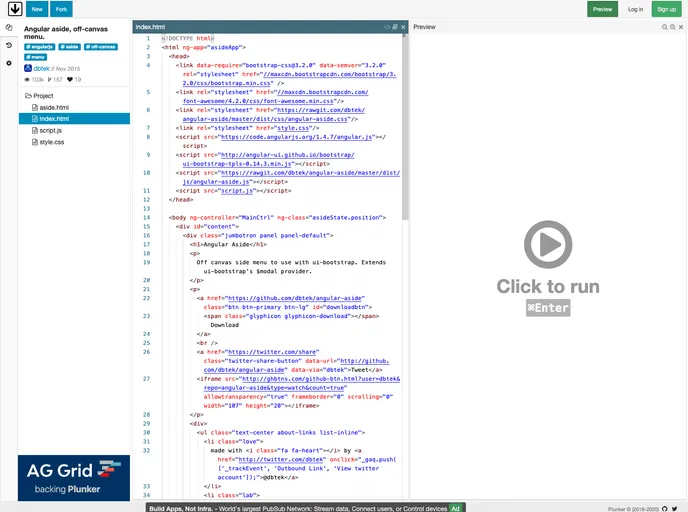
Off canvas side menu to use with ui-bootstrap.
Overview
The angular-aside component provides a sleek and functional off-canvas side menu for Angular applications. Designed to integrate seamlessly with ui-bootstrap, this tool enhances user experience by allowing dynamic content presentation without cluttering the main interface. Whether you’re looking to create an additional settings menu, user profile section, or notifications tray, angular-aside is a versatile solution that works efficiently with versions as low as 0.14 of ui-bootstrap.
Installing and configuring angular-aside is straightforward, making it accessible for developers of all skill levels. With its support for both templates and URLs, it aligns beautifully with the existing Angular ecosystem to ensure cohesion and performance in your web applications.
Features
- Integration with ui-bootstrap: Works seamlessly with the ui-bootstrap library, extending its capabilities specifically for modal interactions.
- Multiple Placement Options: Aside placement can be easily configured to appear on the ’left’, ‘right’, ’top’, or ‘bottom’ of the screen, offering flexibility in design choices.
- Comprehensive Support: Supports all configuration options available in the standard $uibModal, ensuring developers have access to a wide range of features.
- Template Handling: Can work with both inline templates and external template URLs, simplifying the process of rendering content dynamically.
- Lightweight Design: Built with performance in mind, angular-aside keeps the application lean without compromising functionality.
- Responsive Integration: Adapts to different screen sizes and orientations, ensuring a user-friendly experience across devices.
- Easy Installation: Simple installation process using Bower or NPM, allowing developers to get started in no time.