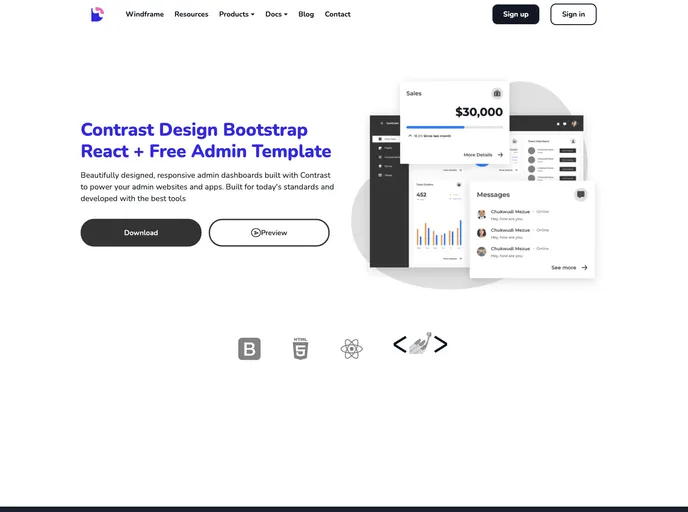
Beautifully designed, responsive admin dashboards to power your admin websites and apps. Built with today's standards and developed with the best tools
The Contrast React Admin Dashboard is a free project that utilizes the CDBReact Package by Devwares. It is designed to provide a user-friendly interface for managing and controlling various aspects of a web application. This dashboard supports multiple browsers and offers documentation for easy implementation. Additionally, there is a Pro Version available with additional features and licensing options.
To install the Contrast React Admin Dashboard, follow these steps:
In summary, the Contrast React Admin Dashboard by Devwares is a free project that provides a user-friendly interface for managing web applications. It offers browser support, detailed documentation, and a Pro Version with additional features. To install the dashboard, users need to clone or download the CDBReact package and integrate it into their project.

