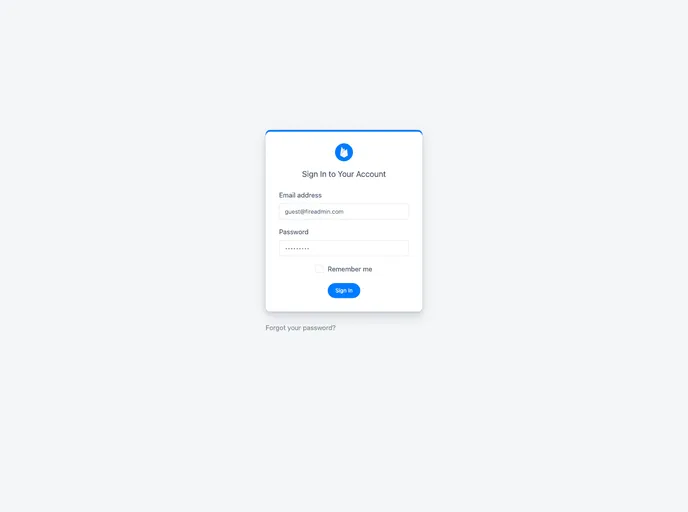
:seedling: A mini headless CMS built with Angular & Firebase
FireAdmin is a minimalistic headless CMS built around Angular and Firebase. It provides a simple and customizable solution for managing data in a backend application.
Start by setting up your firebase project:
Add your firebase configuration in the environment.ts file.
Register the FireAdminModule in a module, such as the app module.
Set up a simple routing in your project.
Edit your main component template (generally app.component.html) and keep only the <router-outlet></router-outlet> line.
Add the necessary styles and script entries to the angular.json file.
Add any required lines to the polyfills.ts file.
Set the necessary rules in your firebase console to protect your database and storage data.
Launch your project using ng serve.
FireAdmin is a minimalistic headless CMS built around Angular and Firebase. It offers a simple and customizable solution for managing data in a backend application. With features such as responsive design, easy updates, and internationalization support, FireAdmin provides a convenient way to develop and manage your backend app.

