Overview:
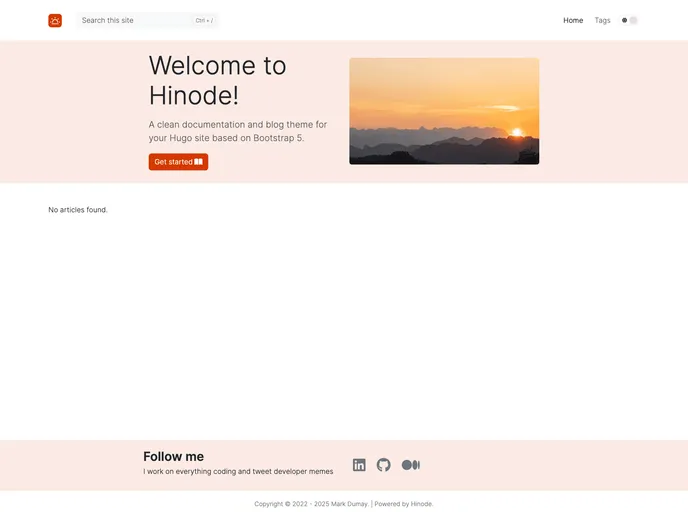
Hinode is a clean blog theme designed for Hugo, an open-source static site generator. It is available as a template and a main theme, with this code repository containing the template’s code base. For installation instructions, users should visit the main theme.
Features:
- Clean and modern design: Hinode boasts a clean and modern design that provides a visually appealing and user-friendly experience for blog visitors.
- Compatibility with Hugo: As a theme designed specifically for Hugo, Hinode ensures seamless integration and optimal performance with the static site generator.
- Template and main theme options: Users have the flexibility to choose between the template version or the main theme version of Hinode, depending on their specific requirements.
- Blog-focused layout: Hinode emphasizes a blog-focused layout, providing bloggers with the perfect platform to showcase their content effectively.
- Customization options: Users can easily customize various elements of Hinode, such as colors, fonts, and layouts, to tailor the theme to their individual preferences.
Installation:
To install the Hinode theme, follow these steps:
- Visit the main theme for installation instructions.
- Choose either the template version or the main theme version according to your needs.
- Follow the provided installation guide to set up Hugo on your system.
- Download the Hinode files from the code repository.
- Copy the downloaded files into the “themes” directory of your Hugo project.
- Customize the theme’s settings and configurations according to your preferences.
- Build and deploy your blog using Hugo to see the Hinode theme in action on your website.
Summary:
Hinode is a clean blog theme designed for Hugo, an open-source static site generator. It offers a clean and modern design, compatibility with Hugo, and both template and main theme options. With its blog-focused layout and customization options, Hinode provides bloggers with an attractive and flexible platform to showcase their content effectively. Installation can be done by following the instructions provided in the main theme documentation.