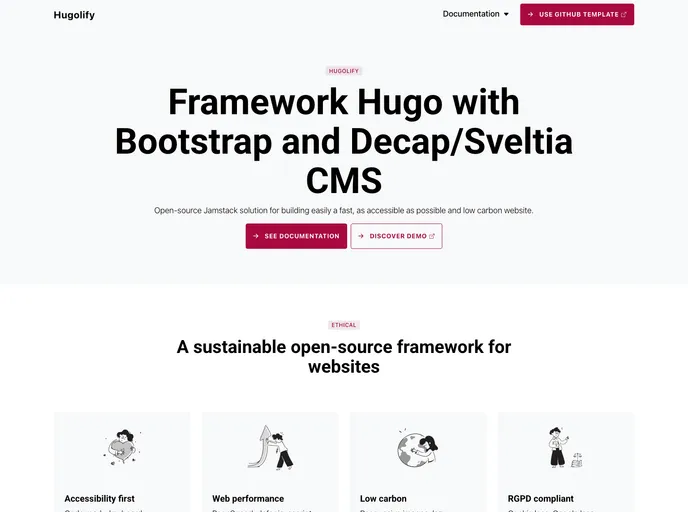
Framework Hugo with Bootstrap and Headless CMS (Decap, Netlify, Pages, Static and Sveltia) – Github template
The Twitter bannerHugolify template is a Github template that allows users to easily build a fast, accessible friendly, and low carbon website. It offers various features, documentation, and is free for both personal and commercial projects.
To install the Twitter bannerHugolify template, follow these steps:
git clone https://github.com/hugolify/hugolify-template.gitcd hugolify-templatenpm installnpm startlocalhost:3000 to view the website.The Twitter bannerHugolify template is a Github template that allows users to create a fast, accessible friendly, and low carbon website. It provides various Hugo sections, ensuring easy content management. The template is free for both personal and commercial projects, making it a suitable choice for developers looking for an efficient and sustainable website solution.

