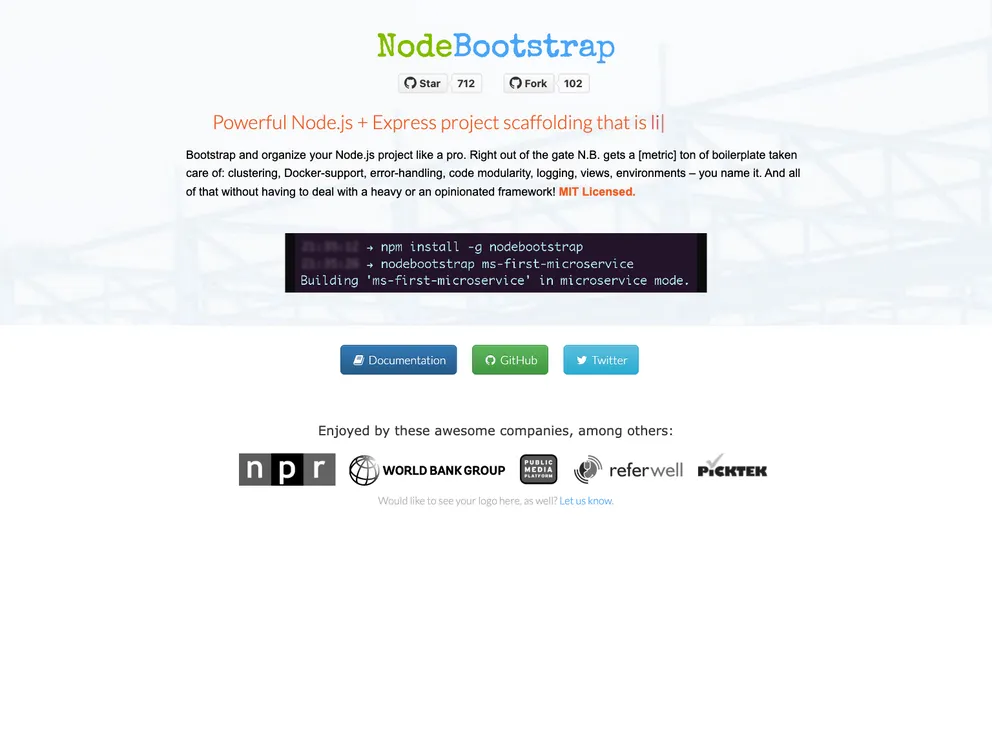
NodeBootstrap - generates skeleton project for Node/Express.js with pre-configured best-practices. Kick-start your Node project development with tons of boilerplate taken care of, such as: clustering, Docker-support, database migrations, automated testing, error-handling, modularity, advanced log...
Overview
NodeBootstrap is a tool that allows developers to organize their Node projects efficiently, providing built-in support for microservice-style setup, clustering, Docker, database migrations, automated testing, error-handling, modularity, advanced logging, templated views, and multi-environment support. This tool aims to streamline the development process by taking care of various boilerplate tasks, without imposing heavy or opinionated frameworks on the developers.
Features
- Microservice-style setup: NodeBootstrap provides support for organizing the project in a microservice architecture, allowing developers to easily separate different components or services.
- Clustering: The tool supports clustering, which enables the application to utilize multiple CPU cores and improve performance.
- Docker support: NodeBootstrap has built-in functionality to support Docker, allowing developers to easily containerize their project.
- Database migrations: Developers can utilize NodeBootstrap to manage database migrations, making it easy to maintain and update the database during the development process.
- Automated testing: NodeBootstrap includes features for automated testing, helping developers to ensure the stability and quality of their code.
- Error-handling: The tool provides advanced error-handling capabilities, making it easier to catch and handle errors during the application’s runtime.
- Modularity: NodeBootstrap promotes modularity in the project structure, allowing developers to organize their code into reusable and independent modules.
- Advanced logging: It includes advanced logging functionality, making it easier to track and debug issues during development and in production.
Installation
To install NodeBootstrap, follow these steps:
- Open your terminal and navigate to your project directory.
- Run the following command to install NodeBootstrap via NPM:
npm install nodebootstrap
- Once the installation is complete, you can require NodeBootstrap in your code:
const nodebootstrap = require('nodebootstrap');
- Start using the various features and functionalities provided by NodeBootstrap in your project.
For more information and detailed examples, please refer to the official NodeBootstrap documentation here.
Summary
NodeBootstrap is a powerful tool for organizing and streamlining Node projects. It provides a wide range of features, including microservice-style setup, clustering, Docker support, database migrations, automated testing, error-handling, modularity, advanced logging, and multi-environment support. With NodeBootstrap, developers can focus on building their application logic without the need to worry about boilerplate tasks.