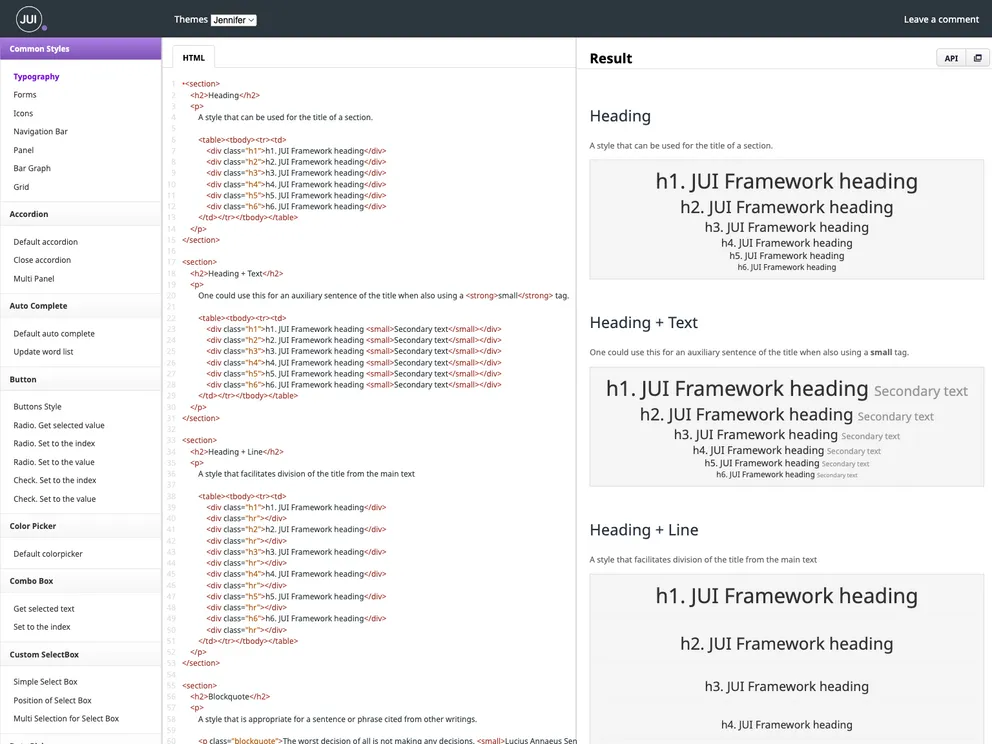
Jui UI screenshot

Jui UI

Author Avatar Theme by Juijs
Updated: 22 May 2020
402 Stars

JUI provide all kinds of UI components that are used in web pages. However, charts and grids are not included.

Categories

Overview:

This product analysis discusses the installation and usage of a new theme for a web application. The theme can be easily installed and used by following the provided instructions. The analysis also mentions a specific method of importing modules for the theme.

Features:

  • Installation via NPM: The theme can be installed using the Node Package Manager (NPM), making it easy to manage and update.
  • Browser Compatibility: The theme is compatible with popular web browsers, ensuring a consistent appearance across different platforms.
  • ES Modules Support: The theme supports ES Modules, allowing developers to use modern syntax and features in their code.
  • Customizable Styles: The theme provides an index.less file where developers can select and include only the styles they need, reducing unnecessary code bloat.

Installation:

To install the theme, follow these steps:

  1. Open your command line or terminal.
  2. Navigate to your project directory.
  3. Run the following command to install the theme via NPM:
npm install theme-name
  1. Once the installation is complete, import the module using the ‘use’ function in your code. For example:
import { use } from 'theme-name';

Summary:

This product analysis provides an overview of a new theme for web applications. It highlights key features such as easy installation, browser compatibility, support for ES Modules, and customizable styles. The installation process involves using NPM to install the theme and importing the module using the ‘use’ function. Overall, this theme offers a convenient and versatile solution for developers seeking to enhance the visual appearance of their web applications.