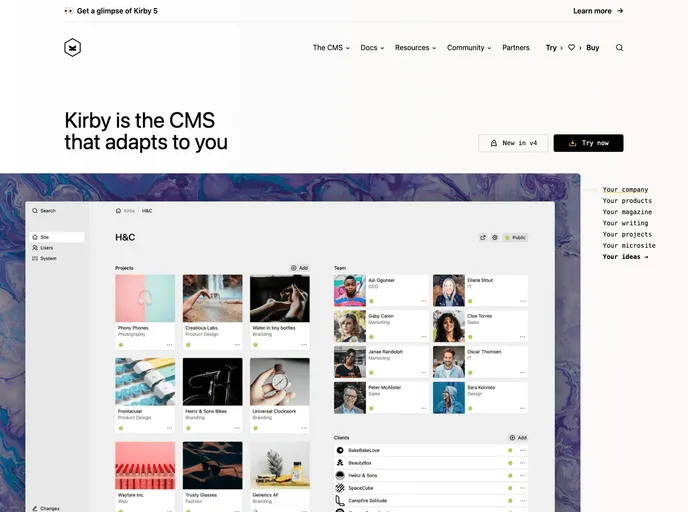
This repo is a starting point for using Kirby with Gulp and Npm. It is made for developers to bootstrap their own projects quickly.
The Kirby Dev Kit v3 is a starting point for developers who want to use Kirby 3 with Gulp and Npm. It is designed to help developers bootstrap their own projects quickly.
To use the Kirby Dev Kit v3, you will need to have Npm and GIT (for the Kirby submodules) installed on your system. Follow these steps to set up a new project:
git clone [repository URL]
npm install
gulp
gulp dev-watch
(Note: Live reload feature is not tested after gulp update on 7/24/23)
The Kirby Dev Kit v3 is a helpful starting point for developers who want to use Kirby 3 with Gulp and Npm. It provides easy integration with Gulp for automating tasks and utilizes Npm for managing project dependencies. The installation guide provides clear instructions for setting up a new project and getting started quickly.

