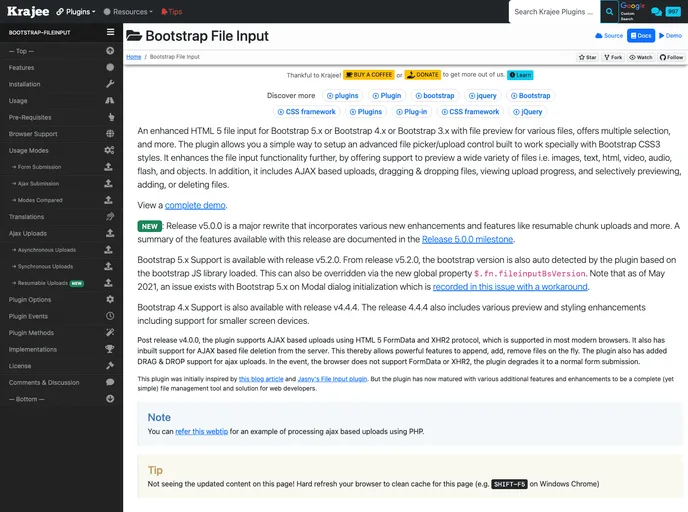
An enhanced HTML 5 file input for Bootstrap 5.x/4.x./3.x with file preview, multiple selection, and more features.
If you’re looking for an advanced file input solution for your Bootstrap projects, this enhanced HTML 5 file input plugin is a game changer. Compatible with Bootstrap versions 3.x, 4.x, and the latest 5.x, it provides a robust set of features designed to simplify the file upload process while enhancing user experience. This plugin not only supports multiple file selections but also offers previews for a variety of file types, making it a versatile tool for modern web applications.
The latest updates are significant, particularly the support for Bootstrap 5.x introduced in version 5.2.0. This rewrite of the plugin not only refines its core functionalities but also adds features like resumable chunk uploads, making it easier for users to manage their file inputs. Whether you’re a web developer or a project manager, this plugin aims to meet the needs of various project requirements with its extensive functionality and modern design.
Multiple File Selection: Easily allows users to select and upload multiple files at once, streamlining the upload process.
File Previews: Supports previews for images, videos, and other file types, letting users see what they are uploading before finalizing.
AJAX-Based Uploads: Facilitates seamless file uploads without page refreshes, enhancing user experience.
Drag and Drop Support: Users can simply drag and drop files into the upload area, making the process more intuitive.
Upload Progress Tracking: Displays real-time upload progress, providing feedback to users on the status of their uploads.
Resumable Chunk Uploads: Allows large files to be uploaded in chunks, with the ability to resume interrupted uploads.
Bootstrap Compatibility: Automatically detects Bootstrap library versions, ensuring that the relevant functionality is applied based on the version in use.
Custom Theming Options: Offers a new Krajee Explorer Theme along with other theming capabilities, allowing for customization to fit the design aesthetics of your project.

