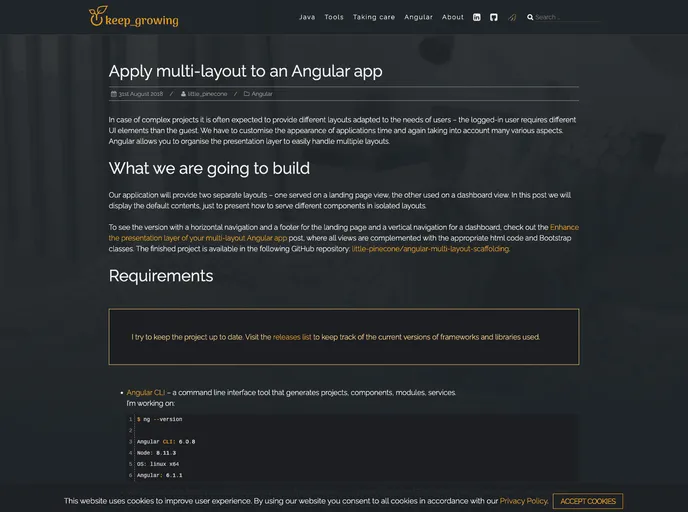
Angular Multi Layout Scaffolding screenshot

Angular Multi Layout Scaffolding

Author Avatar Theme by Little pinecone
Updated: 22 Jul 2020
27 Stars

This application provides two separate layouts - one served on a landing page view, the other used on a dashboard view.

Overview

The Angular Multi Layout Scaffolding project is a robust application framework designed to enhance the user experience by providing two distinct layouts: a landing page and a dashboard view. Each layout is tailored for specific user interactions, featuring intuitive navigation systems—horizontal for the landing page and vertical for the dashboard. Built using Angular and Bootstrap, this project emphasizes modern design principles and responsiveness, making it an excellent starting point for developers looking to create dynamic web applications.

Getting started with this application is straightforward, as it is structured for easy cloning and deployment. With simple commands, you can set up a development server or build the project for production. This framework allows developers to focus more on functionality and less on configuration, streamlining the development process.

Features

  • Two Distinct Layouts: The application features both a landing page view and a dashboard view, ensuring versatility depending on user requirements.
  • Responsive Design: Utilizes Bootstrap 4 to provide a responsive design that looks great on various screen sizes.
  • Horizontal and Vertical Navigation: Each layout is equipped with intuitive navigation—horizontal for the landing page and vertical for the dashboard—for easy user navigation.
  • Easy Setup: Clone the repository with a single command and get started quickly with pre-configured settings.
  • Development Server: Launch a development server using ng serve for immediate feedback during development.
  • Automatic Reloading: The app automatically reloads anytime changes are detected in the source files, enhancing the development workflow.
  • Production-Ready Builds: Execute a simple command to build the project for production, storing all artifacts in a dedicated dist/ directory.
  • Unit Testing Support: Comes with a straightforward setup for running unit tests via Karma to ensure code quality.