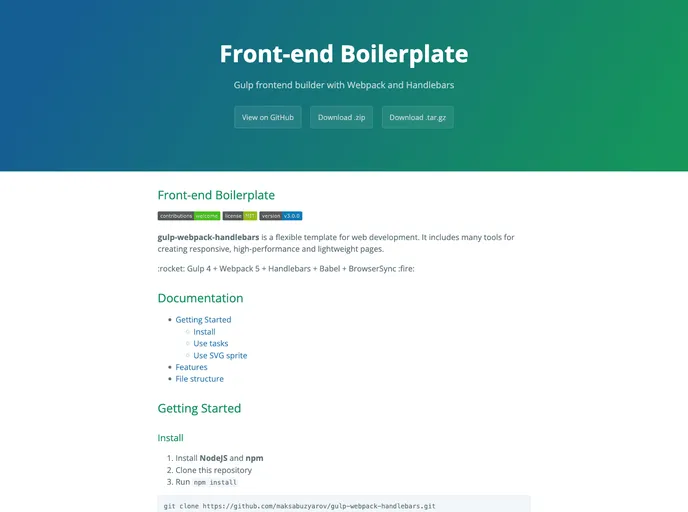
Gulp frontend builder with Webpack and Handlebars
Front-end Boilerplate is a flexible template for web development. It includes many tools for creating responsive, high-performance, and lightweight pages. It uses Gulp 4, Webpack 5, Handlebars, Babel, and BrowserSync, among others. The template provides features like file structure management, SVG sprites, live reload, and debugging. It also includes Jquery, Bootstrap 4, and CurrentDevice.
To install the Front-end Boilerplate, follow these steps:
npm installnpm run dev or gulp for the development build and server, or npm run build or gulp build --production for the production build.Front-end Boilerplate is a flexible web development template that provides a range of features like task management, CSS preprocessing, JavaScript bundling, HTML templateing, image optimization, live reload, and debugging. It includes popular libraries like Jquery and Bootstrap 4 to enhance development capabilities. The installation process is straightforward, requiring NodeJS and npm to be installed, followed by cloning the repository and running the necessary commands. This template can be a useful starting point for developers looking to build responsive and high-performing web pages.

