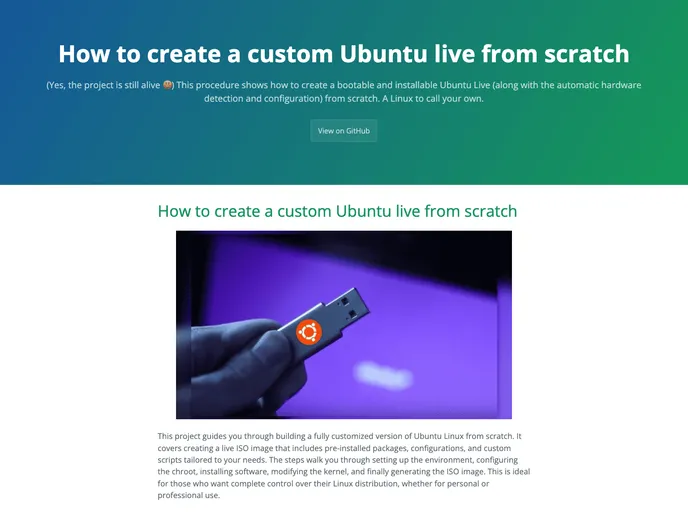
(Yes, the project is still alive ) This procedure shows how to create a bootable and installable Ubuntu Live (along with the automatic hardware detection and configuration) from scratch. A Linux to call your own.
Overview
Creating a custom Ubuntu live from scratch can be a rewarding project for anyone looking to tailor their Linux experience. This guide takes you through the entire process of building a live ISO image, including pre-installed packages, configurations, and custom scripts that cater specifically to your requirements. Whether you’re aiming for a personal touch or preparing a custom distribution for professional use, this comprehensive approach ensures you have complete control over your Linux environment.
By following detailed instructions on setting up your environment, configuring the chroot, and modifying the kernel, you can generate a personalized ISO image that meets your needs. The project outlines prerequisites and valuable insights into each step, making it easier for users with a basic understanding of Linux shell commands and scripting to successfully create their customized Ubuntu version.
Features
- Comprehensive Guide: Step-by-step instructions help you build your own Ubuntu live ISO from scratch, ensuring nothing is overlooked.
- Customizable Packages: Easily add or remove software packages and tailor the kernel to match your specific requirements.
- Utilization of debootstrap: A powerful utility that allows you to set up a minimal Ubuntu system without the need for existing package management tools.
- Chroot Environment Setup: Instructions for configuring a chroot environment ensure that the installation process runs smoothly without any errors.
- Generate Bootable ISO: Learn how to package your customized Ubuntu system into a bootable ISO at the end of the process.
- Rich Documentation: Contributions from seasoned developers provide a thorough background and context, enhancing the overall usability of the guide.
- Flexibility with Versions: Tailor your ISO generation based on the specific version of Ubuntu you wish to work with, thanks to clear prerequisites for compatibility.
- Automated Builds with GitHub Actions: For advanced users, forking the repository and utilizing GitHub Actions can streamline the build process even further.