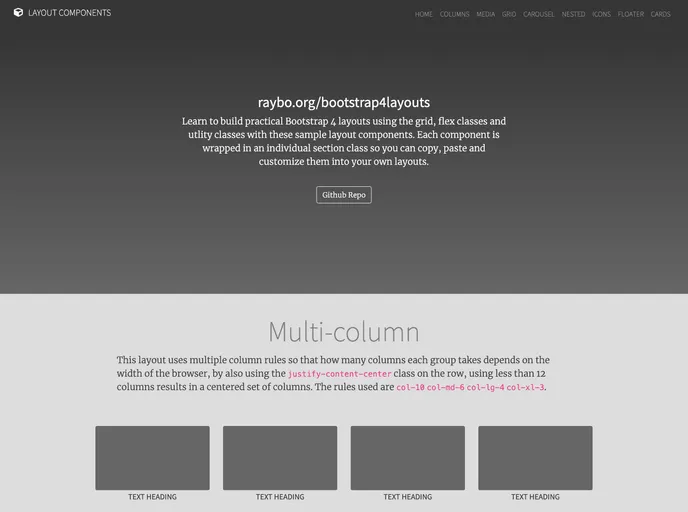
A Template for Bootstrap 4 based on my Bootstrap 4 Layouts course on LinkedIn Learning
The Bootstrap 4 Layouts repository is a template for building responsive websites with Bootstrap 4. It offers various pre-designed layouts that can be used as a starting point for different types of websites. The repository is based on a LinkedIn learning course called “Bootstrap 4 Layouts: Responsive Single-Page Design”. It also encourages users to contribute additional layouts through Pull Requests.
To use the Bootstrap 4 Layouts template, follow these steps:
Clone the repository to your local machine.
git clone https://github.com/[username]/bootstrap4layouts.git
Open the downloaded folder in your preferred code editor.
Navigate to the specific layout folder you want to use, for example, floater-layout.
Open the HTML file corresponding to the layout (e.g., floater-layout.html) in your browser to see the layout in action.
Customize and modify the layout according to your needs by editing the HTML, CSS, and JavaScript files.
Start building your responsive website based on the chosen layout.
The Bootstrap 4 Layouts repository offers a collection of pre-designed layouts for building responsive websites using Bootstrap 4. It provides a convenient starting point for developers and designers to create various types of webpages with different layout structures. The repository encourages contributions from users in the form of additional layouts through Pull Requests.

