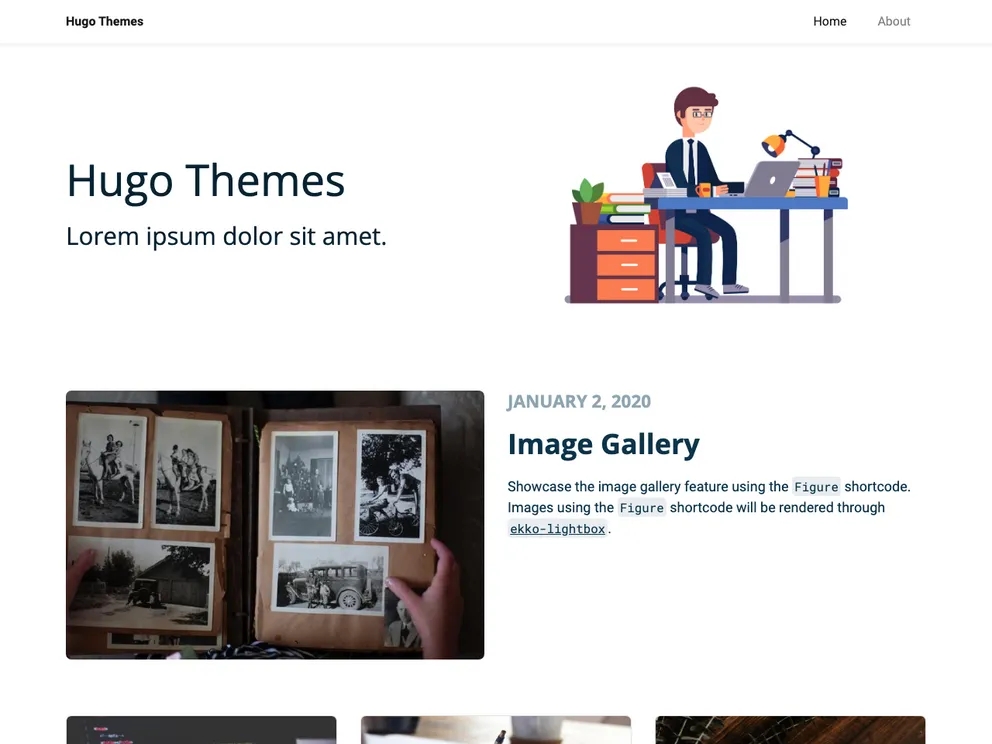
A simple, bootstrap 4 based hugo blog theme.
Overview:
Chunky posterCircleCI is a simple blog theme based on Bootstrap 4 and inspired by the Prisma blog. It offers a clean and minimalist design, along with several key features such as multi-author support, image processing, basic i18n, Prism code highlighting, lazy loading, Commento integration, and image gallery functionality. The theme is highly customizable and can be easily installed and configured for use with the Hugo CMS.
Features:
- Multi-author: The theme supports multiple authors, allowing you to add author metadata, including Twitter handles and profile images.
- Image processing: You can upload and manage images that will be used on content pages, including setting a cover image for each post.
- Basic i18n: The theme includes basic internationalization (i18n) support, making it easier to create a multilingual blog.
- Prism: Prism is integrated into the theme, providing code syntax highlighting for code blocks in your blog posts.
- LazyLoad: The theme includes lazy loading functionality, improving the performance of your blog by loading images only when they are in view.
- Commento: Commento integration allows you to add a comment section to your blog posts, enhancing reader engagement.
- Image gallery: The theme includes a lightbox gallery feature, making it easy to create and display image galleries within your blog posts.
Installation:
To install and configure the Chunky posterCircleCI theme for your Hugo site, follow these steps:
- Start by forking the project on GitHub and cloning it to your local machine.
- Open the project in your preferred code editor.
- Run the command
yarn watch to start the development server. - Make any necessary customizations to the SCSS files located at
src/scss/style.scss. You can override Bootstrap variables in the _variables.scss file. - If you’re using nvm, make sure to use the
.nvmrc file provided. - Customize the application JavaScript file at
src/js/app.js if needed. - When you’re ready to build the assets for production, run
yarn build. - Configure the theme by referring to the example configuration file located at
exampleSite/config.toml. This will guide you through setting up authors, comment sections, and sharing options. - Upload any content images to the
content/images directory, and set the path to the image in the post’s front matter. - Customize the Prism code highlighting configuration by modifying the settings under
[params.prismJS] in your Hugo site’s config file. - Customize the Commento integration by modifying the settings under
[params.commento]. - Enable or disable sharing options by setting the
share parameter to true or false under [params] in your Hugo site’s config file. - Enjoy using the Chunky posterCircleCI theme for your Hugo site!
Summary:
Chunky posterCircleCI is a simple, Bootstrap 4 based blog theme for the Hugo CMS. With its clean design and key features such as multi-author support, image processing, basic i18n, Prism code highlighting, lazy loading, Commento integration, and image gallery functionality, it provides a great foundation for creating a modern and engaging blog. The theme is highly customizable and can be easily installed and configured to suit the needs of your Hugo site.