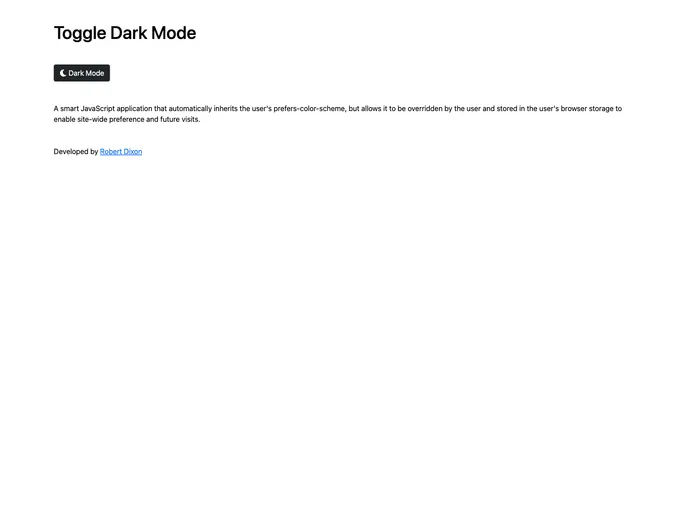
A smart JavaScript application that automatically inherits the user's prefers-color-scheme, but allows it to be overridden by the user and stored in the user's browser storage to enable site-wide preference and future visits.
The js-toggle-dark-mode is a smart JavaScript application that automatically inherits the user’s prefers-color-scheme and allows them to override it and store their preference in their browser storage. This enables site-wide preference for the user across multiple visits.
To install the js-toggle-dark-mode on your own site, follow these steps:
<link rel="stylesheet"> declarations from the top of the index.html file. The first two declarations for Bootstrap and Font Awesome are optional and only needed for styling the toggle button.<div id="theme-toggler"> line from the file, which displays the toggle button if the user’s browser supports the functionality.<script src> declaration from the bottom of the index.html file.js and css folders.css/light-theme.css file with your preferred light theme styles.css/dark-theme.css file with your preferred dark theme styles.The js-toggle-dark-mode is a JavaScript application that allows users to control the color scheme of a website based on their preference. It automatically inherits the user’s preferred color scheme, but also allows them to override it and store their preference in their browser storage. This enables site-wide preference and ensures that the user’s chosen color scheme persists across multiple visits.

